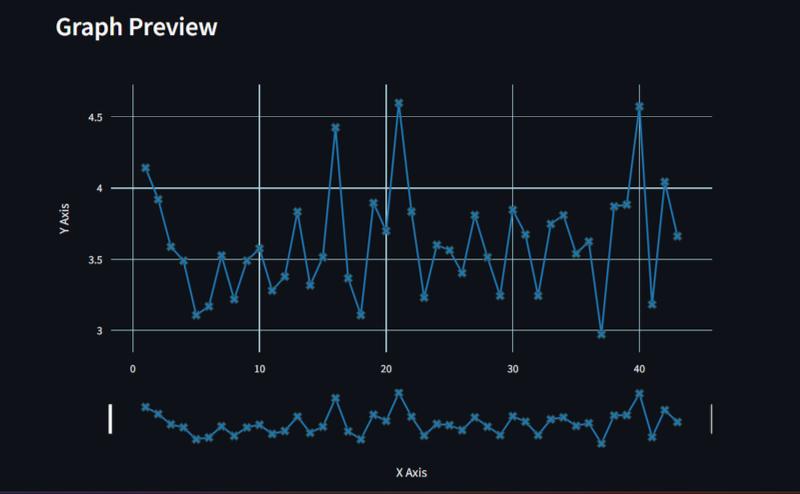
Industrial DataViz Background

Industrial Data Visualization

Mission Overview

In the highly competitive steel industry, monitoring production parameters (speed, temperature, tension) is critical for quality assurance. At ArcelorMittal, technicians were relying on complex, static Excel spreadsheets to analyze data from wire-drawing machines. This legacy process was time-consuming and prone to delayed decision-making.

Objective: Design a user-friendly, interactive dashboard capable of processing large-scale industrial datasets to provide real-time insights into the manufacturing process.

// TECH_STACK

Python 3.9
Streamlit
Pandas / NumPy
Plotly

System Interface Workflow

01
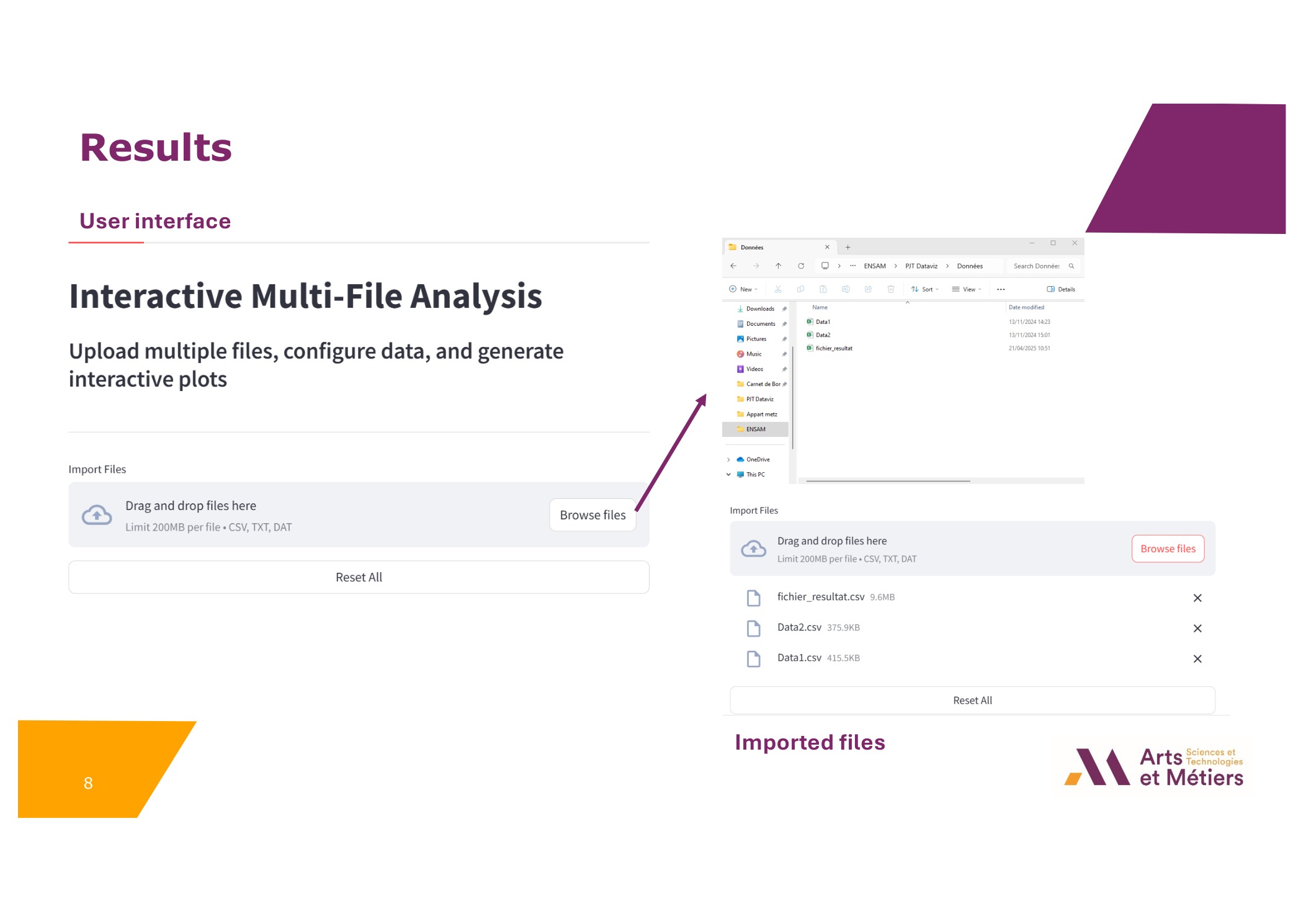
Data Ingestion Interface

Data Ingestion

Multi-file upload supporting CSV, TXT, DAT formats with custom delimiters and header configuration.

02
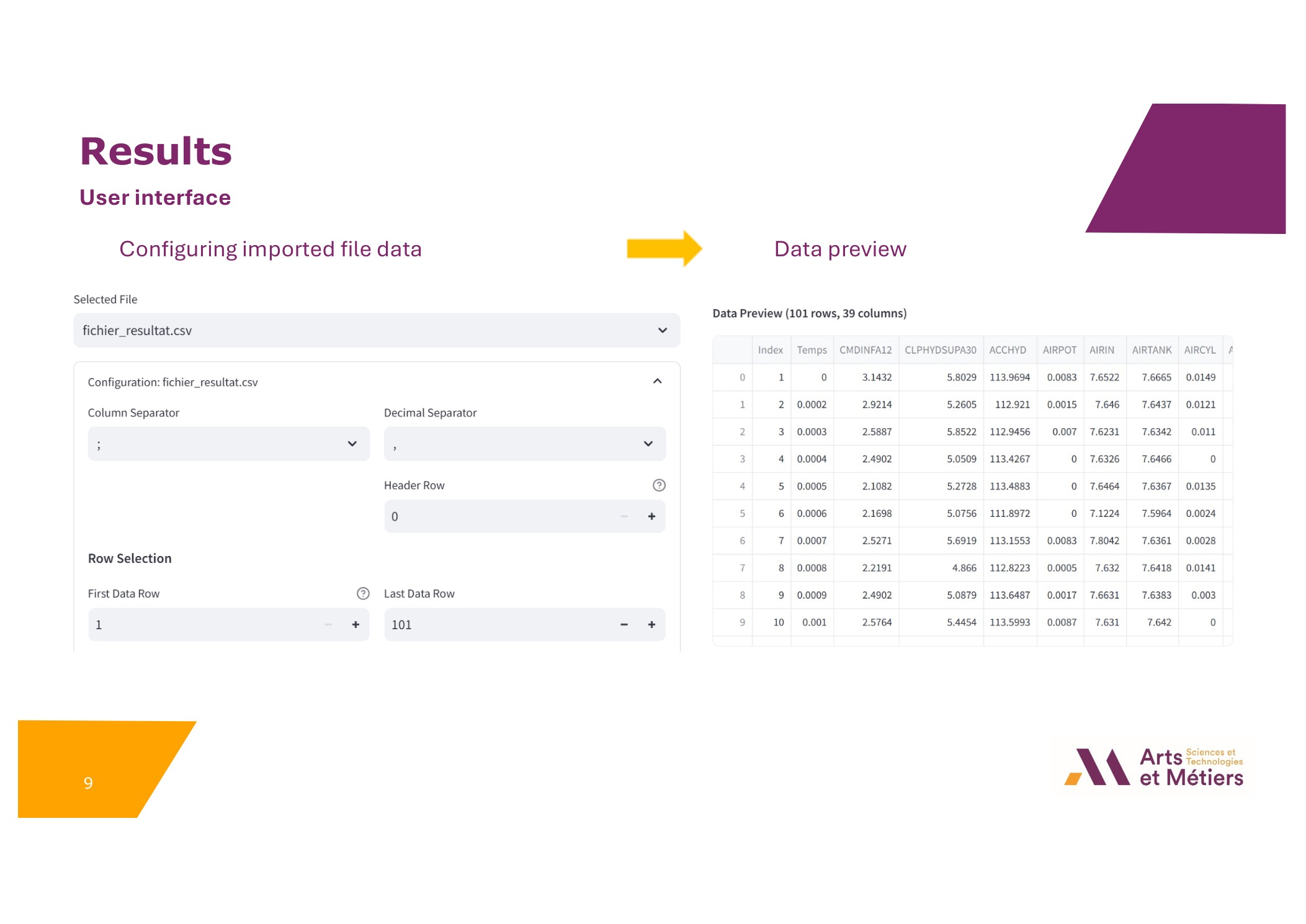
Column Operations Interface

Column Operations

Apply arithmetic transformations (+, -, *, /) to specific data columns without modifying source files.

03
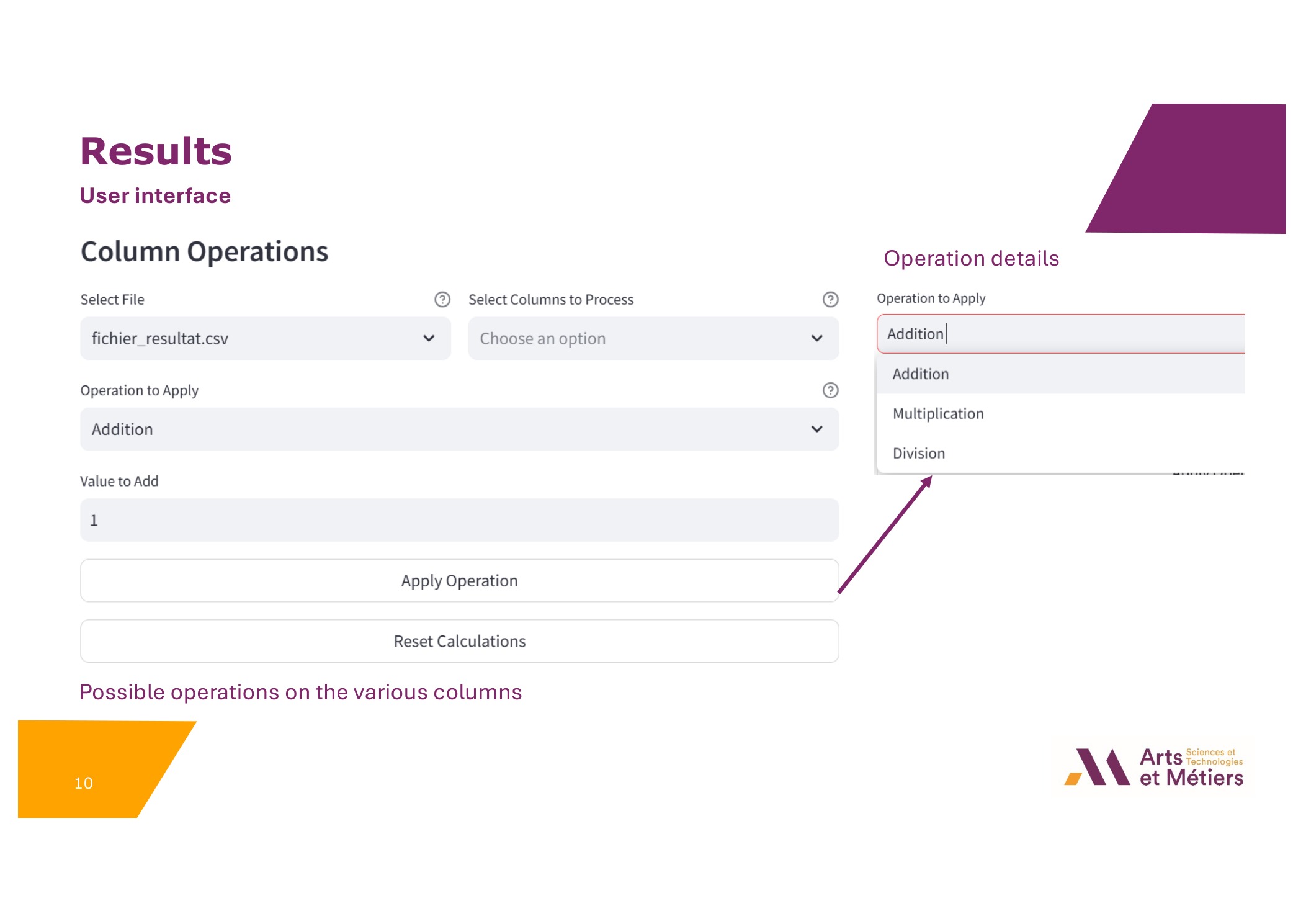
Graph Configuration Interface

Graph Configuration

Dynamic selection of X/Y axes, logarithmic scales, and visual customization (colors, markers).

04
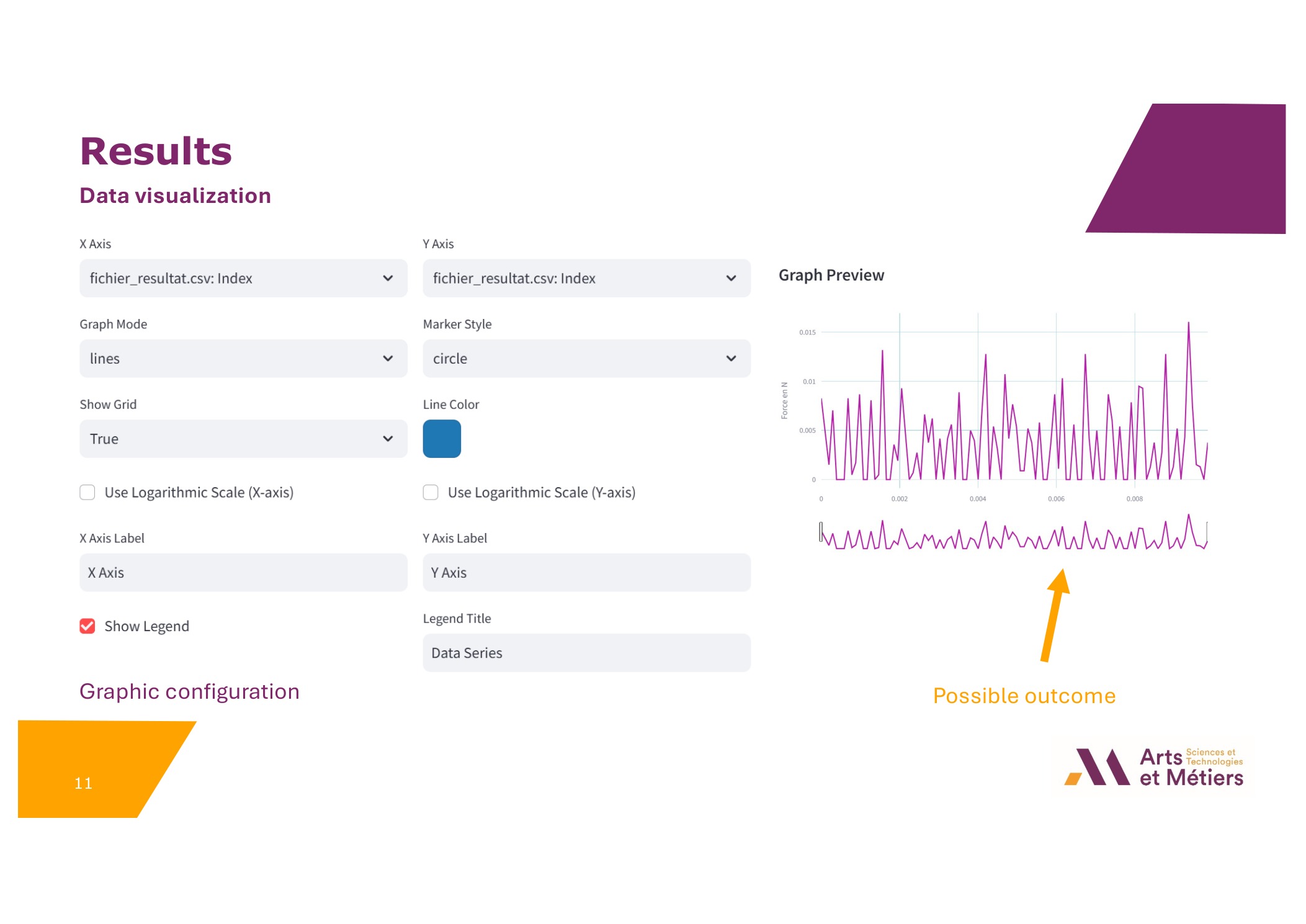
Interactive Analysis Interface

Interactive Analysis

Real-time Plotly rendering with zoom, pan, and instant export capabilities for reporting.
Key Outcomes

  • Format Versatility: Unified processing of multiple file types (CSV, TXT, DAT).
  • User-Centric Ergonomics: Interface designed for non-programmers.
  • Cloud Portability: Accessible via web browser without local installation.

Full Engineering Report

Detailed documentation including mathematical models and code structure.

DOWNLOAD PDF
Project Team

// ENGINEERING TEAM

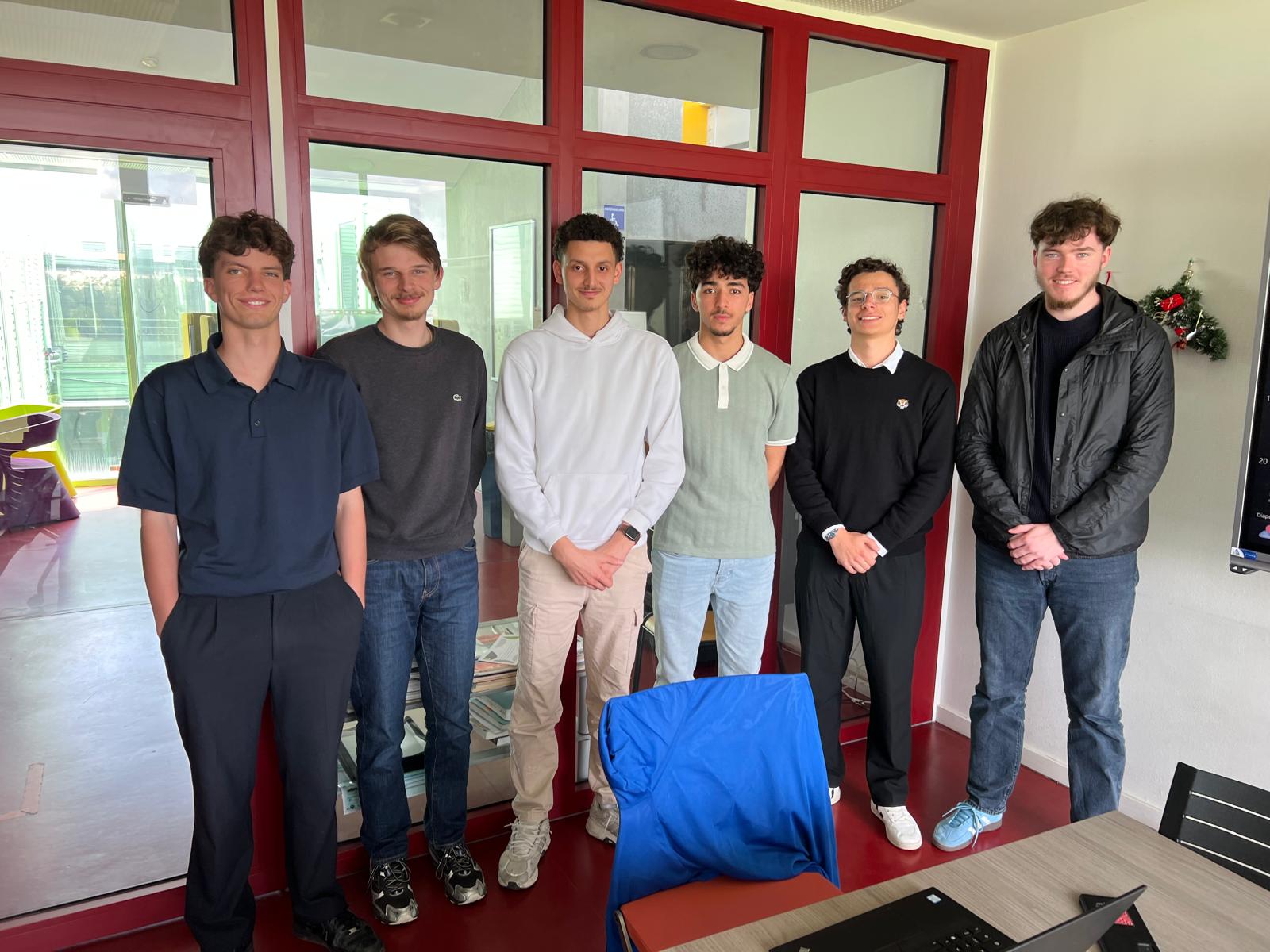
Collaborative engineering effort combining skills in software development, data science, and UI/UX design.

  • Thibault Halperin
  • Hugo Ruault
  • Killian Crenn
  • William Belluot
  • Elias Bouddour
  • Haitam Azzal

SUPERVISOR: M. Duc-Vinh Nguyen